
Virtual Selling Tips for B2B Sales Reps
By Derek Shebby · Founder, Modern Sales Training · 13-time Xerox President's Club Award winner
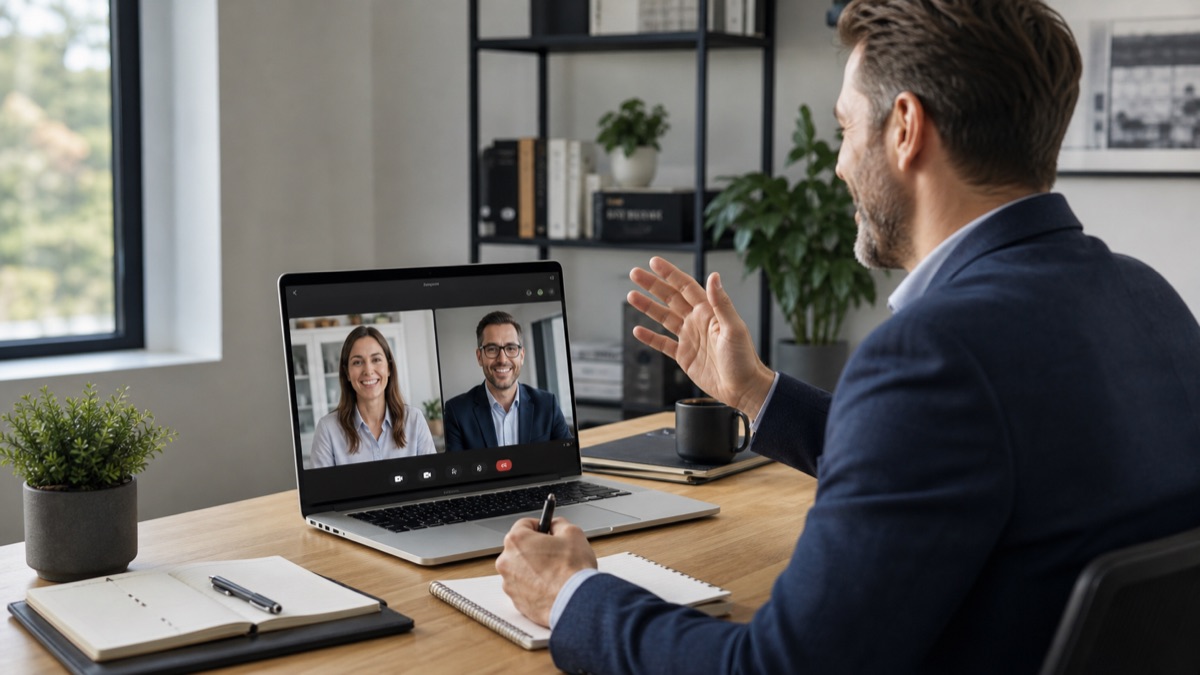
Quick answer: Virtual selling works when the rep treats the Teams or Zoom meeting like a real first appointment: professional setup, strong energy, clear discovery questions, buyer participation, smart screen sharing, no distractions, and a specific virtual next step.
Virtual selling is still selling
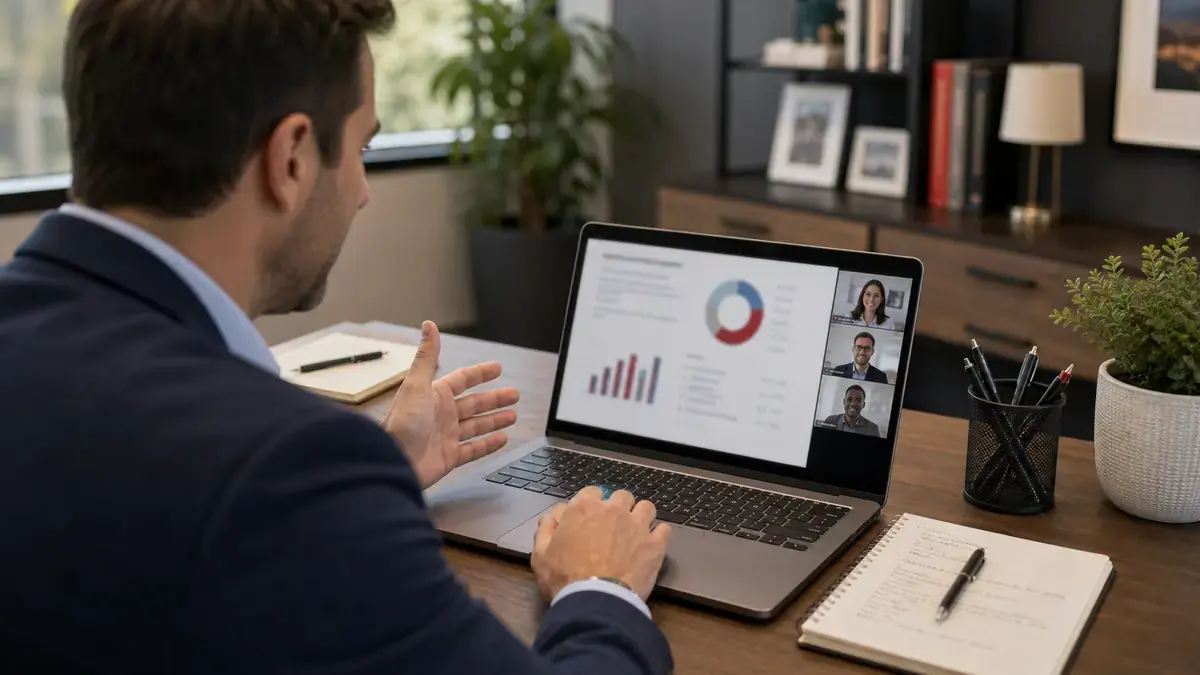
Virtual selling usually happens for one of two reasons. Either the salesperson cannot get to the buyer in person, or the territory is too large to physically visit every opportunity on a regular basis. The rep may sell across a state, across the country, or even across the world. The phone is still used to set the appointment, but the first appointment may happen over Teams or Zoom instead of in a conference room.
The sales process does not become less serious because it is virtual. The rep still needs to run discovery, understand the current state, identify opportunity, create value, clarify the decision process, and close for a next step. For the first appointment structure, see First Appointment Sales Questions and the First Appointment Tips course.
Territory reps may use video when distance or the customer’s needs make it practical. A virtual meeting can also continue a relationship that began through in-person prospecting and phone follow-up. The format should serve the customer conversation.
Make the virtual meeting feel like an in-person meeting
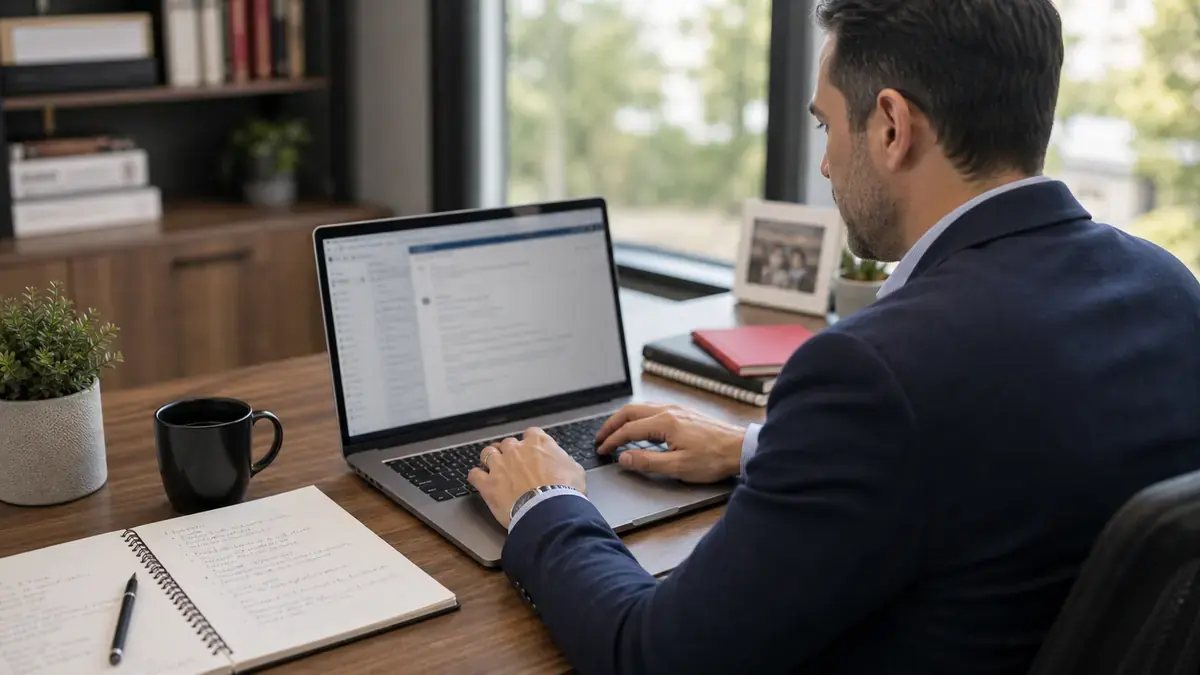
The buyer may have preferred to meet in person. If the meeting has to happen virtually, the rep should do everything possible to make it feel professional, personal, and focused. That means showing up on time, looking presentable, being centered on the screen, having a clean background, checking lighting and audio, and bringing the same energy and charisma they would bring if they were sitting across the table.
Virtual does not mean casual. If the rep would not check their phone, read email, or let notifications interrupt an in-person first appointment, they should not allow those distractions during a virtual meeting. Close unnecessary tabs, silence notifications, put the phone away, and make the buyer feel like they have the rep's full attention.
Know what next step you are closing for
In a virtual sales process, the next step may also be virtual. The rep may be closing for a second discovery meeting, a virtual demo, a proposal review over Teams, a meeting with another stakeholder, or a follow-up call to confirm decision criteria. The rep should know that before the meeting starts.
A virtual first appointment should not end with vague language like, "I will send something over." It should end with a clear next step that fits the sales process: who needs to attend, what will be covered, what the buyer should be ready to discuss, and when the next meeting will happen.
Use screen sharing only when it helps
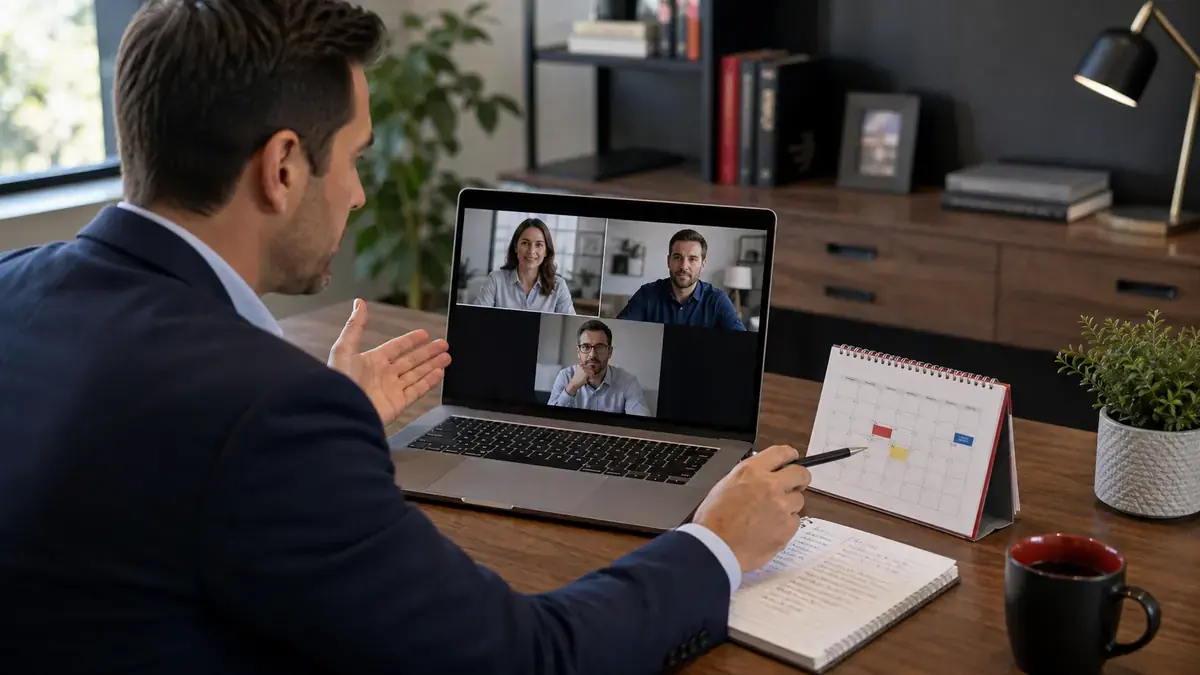
Do not screen share just because the meeting is virtual. If the rep would not pull out a document, visual, proposal, or demo in person, they may not need to show anything on screen. Sometimes the best virtual meeting is simply a focused conversation where both people can see each other.
When the rep does share a screen, they should still be able to see the buyer's face. Buyer reactions matter. If the rep cannot see the buyer while presenting, it becomes too easy to talk at the screen instead of having a conversation. Use visuals to clarify, compare, demonstrate, or make a point, then stop and ask a question.
Bring something to the meeting if you can
In an in-person first appointment, bringing something small to the customer can make the meeting feel more personal. The same idea can apply virtually. If the meeting matters enough, the rep can look for ways to send something ahead of time, such as coffee, a small snack, or another simple gesture that makes the meeting feel more intentional.
The point is not the gift. The point is effort. Virtual selling can feel distant, so anything that makes the buyer feel like the rep prepared specifically for them can help create a stronger connection.
How managers should coach this skill
Managers should review more than the recording. Inspect the rep's setup, screen position, lighting, background, audio, agenda control, buyer talk time, check-in questions, and whether the rep closes for a specific virtual next step. Managers should also coach reps on when to use screen sharing and whether the rep can keep buyer engagement high while presenting. Managers who want a stronger coaching system can also look at the Sales Leaders Bootcamp.
How to keep buyers engaged on video
Shorten monologues, ask check-in questions, use visuals intentionally, and invite the buyer to react. Virtual attention is fragile. A rep who talks for ten straight minutes on a screen share may technically be presenting, but the buyer may already be gone mentally. Bring the buyer back into the conversation constantly.
Virtual discovery still needs depth
Do not let the screen make the meeting transactional. Ask the same business questions you would ask in person, then slow down long enough for real answers. The rep should still find current state, impact, decision criteria, urgency, stakeholders, and next step. The meeting format changed, but the discovery skill did not.
Moving the conversation onto a screen does not remove the challenge of differentiation. The buyer still needs to understand why one option offers more relevant value than another. Building Value explores that competitive selling problem beyond the choice of meeting format.
The follow-up matters more remotely
A virtual meeting can disappear into the buyer's calendar quickly. Send a recap that documents what the buyer said, what was shown, the open items, and the next step. The written recap becomes the momentum keeper when there is no physical visit to remember.
Want the full training system?
This article gives reps the first layer. Virtual Selling Machine goes deeper into remote sales meetings, virtual discovery, demos, follow-up, and closing over video.
See the Virtual Selling Machine courseFAQ
What is virtual selling?
Virtual selling is running the normal sales process through phone, video meetings, email, and digital tools when the rep cannot meet in person or sells across a larger geography.
How do you sell better on Zoom?
Prepare the environment, look presentable, bring energy, control distractions, run discovery like a real first appointment, use screen sharing only when it helps, and close for a clear virtual next step.
Why do virtual sales deals stall?
They stall when the buyer lacks urgency, decision clarity, personal connection, or a specific next step after the call.

About the Author
Derek Shebby
Derek Shebby is the founder of Modern Sales Training and a 13-time Xerox Sales President's Club award winner. He has trained thousands of B2B sales reps and managers, with a focus on territorial prospecting, first appointments, value building, objection handling, and sales leadership.
Self-paced courses vs live programs
The self-paced Modern Sales Training courses, including Modern Sales Performer, The Fearless Prospector, and Virtual Selling Machine, are built around timeless sales fundamentals. They give reps the core frameworks, language, and habits they can keep using for years. For the most current strategies, live coaching, market updates, and the newest AI-focused prospecting and selling ideas, reps and managers should look at the live Tier 1, Tier 2, and Tier 3 programs: Sales Bootcamp, Sales Spartan, and Sales Leaders Bootcamp.
Related Modern Sales Training resources
- How to Create a Sales Process That Accelerates Growth
- Why Sales Training Is Your Key to Exponential Growth
- Sales Bootcamp
- Virtual Selling Machine
- Modern Sales Performer
- First Appointment Tips
- B2B Cold Calling Scripts
- How to Get Past Gatekeepers
- How to Prospect on Foot
- First Appointment Sales Questions
- How to Handle Price Objections
- How to Create Urgency in Sales
- Sales Prospecting Plan